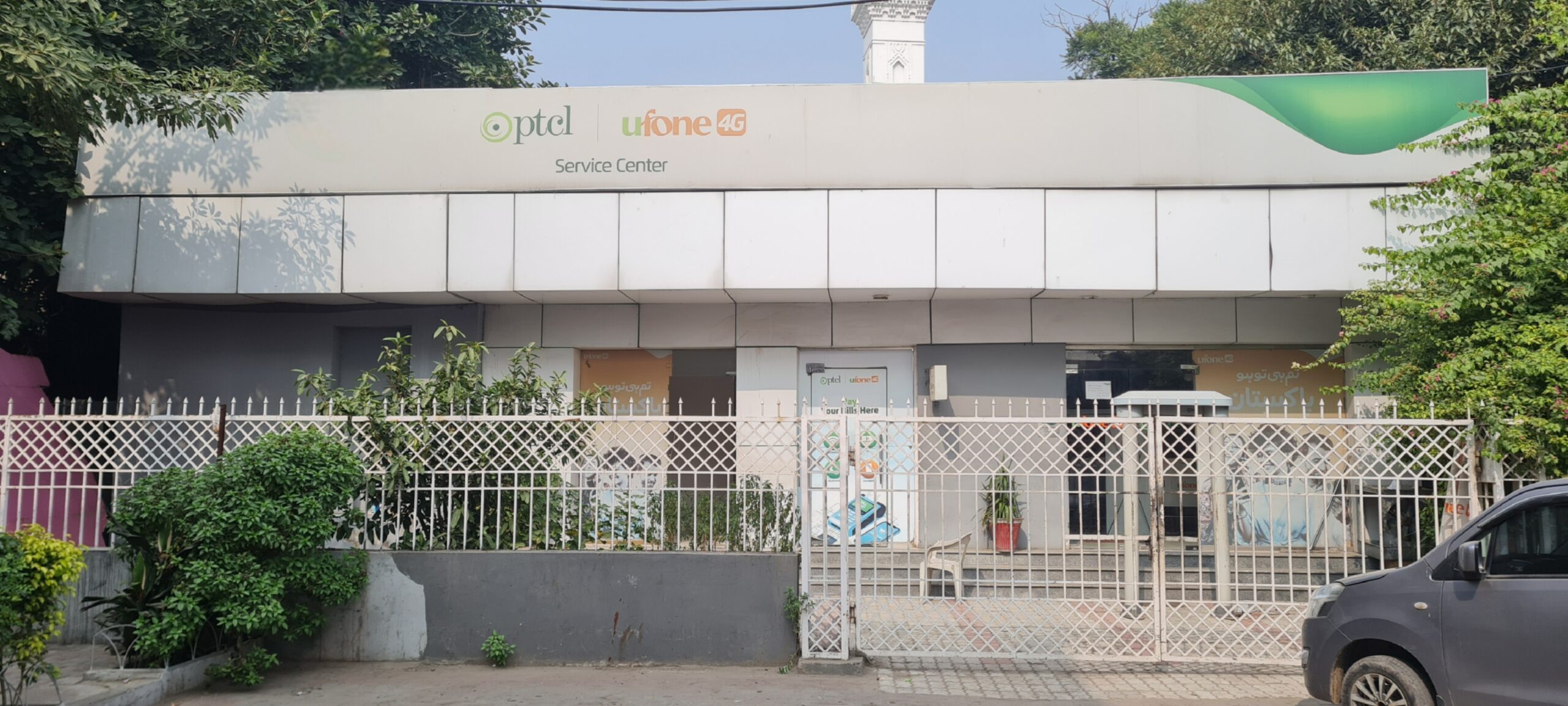
PTCL Complaint Registration: Online, WhatsApp, SMS & 1218 Helpline
If you need to register a PTCL complaint, the fastest options are online support, WhatsApp, SMS, live chat, email, or the 1218 helpline. This guide keeps everything in one place so you can quickly choose the right complaint method for your PTCL landline, broadband, internet, or TV issue.
Quick Information About PTCL Complaint Registration
| Method | Details |
|---|
| Main PTCL Helpline | 1218 |
| WhatsApp Complaint | 03312181218 |
| SMS Complaint | Send to 1219 |
| Complaint Status | Available through PTCL complaint status page |
| care@ptcl.net.pk |
| Live Chat Timing | 9 AM to 9 PM, Monday to Saturday |
| Corporate Complaint Helpline | 1260 |
| Corporate General Enquiries | 042 111 20 20 20 |
These are the complaint and support channels currently shown across PTCL’s official support, contact, WhatsApp, SMS, and corporate support pages.
How to Register a PTCL Complaint Online
PTCL’s official support centre includes options such as Register Complaint, Complaint Status, Contact Us, and other support tools. If you want to submit a PTCL complaint online, this is one of the easiest ways to start because it keeps complaint registration and complaint tracking in the same support system.
Before starting an online complaint, keep these details ready:
- your PTCL number or service ID
- the product you are using
- the type of issue
- your registered mobile number or email, if needed
This makes the complaint process faster and easier to complete.
PTCL Complaint on WhatsApp
PTCL’s official WhatsApp number is 03312181218. To use it, save the number on your phone and send Hi on WhatsApp. PTCL’s self-service menu then lets you choose different options, including complaint registration and complaint status.
For complaint-related use on WhatsApp:
- send Hi
- choose 3 to register a new complaint
- choose 6 to check complaint status
PTCL states that this WhatsApp service is a self-service channel and is free to use, as long as you have internet access.
PTCL Complaint by SMS
PTCL also provides an official SMS complaint service. To register a complaint by SMS, send the required information to 1219 in this format:
CMP Landline Number with area code Product Code
Product codes shown by PTCL are:
- LL for Landline
- BB for Broadband
- TV for Smart TV
PTCL Complaint by Helpline Number
For complaints, information, and general assistance, PTCL’s official contact pages tell users to call 1218. This is the main support number for standard PTCL services and is one of the fastest options if you want to speak directly instead of using online tools.
Related PTCL support numbers shown on official pages include:
- 1218 for complaints and service assistance
- 1200 for billing information
- 1217 for directory inquiry
- 1260 for corporate complaints
- 042 111 20 20 20 for corporate products, sales, and general enquiries
PTCL Complaint by Email
PTCL’s official support pages show care@ptcl.net.pk as the main support email. If you want to complain by email, include your service details clearly so the support team can understand the issue quickly.
When writing a PTCL complaint email, include:
- your full name
- PTCL number or service ID
- area code if relevant
- type of issue
- how long the issue has been happening
- your contact number
This gives support enough detail to process the complaint more easily.
PTCL Live Chat Complaint
PTCL also offers live chat support. The official live chat page says chat agents are available from 9 AM to 9 PM, Monday to Saturday. If you need quick support during those hours, live chat can be useful for complaint guidance and service help.
How to Check PTCL Complaint Status
PTCL also offers live chat support. The official live chat page says chat agents are available from 9 AM to 9 PM, Monday to Saturday. If you need quick support during those hours, live chat can be useful for complaint guidance and service help.
Common PTCL Complaint Types
PTCL users usually need complaint registration for issues such as:
- broadband not working
- internet not working
- slow internet
- DSL fault
- landline fault
- billing issue
- TV service issue
- no dial tone
- line disturbance
PTCL’s SMS complaint service specifically supports product codes for Landline, Broadband, and Smart TV, which covers the main consumer complaint types.
Best PTCL Complaint Method to Use
If you want the quickest and simplest options, these are usually the most practical:
- Call 1218 if you want immediate support
- Use WhatsApp 03312181218 if you prefer self-service on phone
- Use SMS to 1219 if you want a short complaint registration method
- Use live chat if you are contacting PTCL between 9 AM and 9 PM, Monday to Saturday
- Use email if you want to explain a longer issue in writing
The best method depends on whether you want speed, written proof, or complaint tracking.
Final Thoughts
If you need to register a PTCL complaint, the fastest official options are 1218, WhatsApp 03312181218, SMS to 1219, live chat, email, and PTCL’s online support tools. Keep your PTCL number or service ID ready before starting so your complaint can be registered more smoothly.
FAQ’S
Related Guides
You can also read our guides on